Chord is a fast, keyboard-first email client for macOS, Windows and Linux that runs on your machine. It works with Gmail, Fastmail, iCloud or any IMAP account. Hand it an errand and it finds who to ask, drafts each email for your OK, and lines up every reply in one table.
“Get quotes for 200 sheets of 4×8 aluminium from suppliers near me”
Where things stand4 quotes in. Best so far: Marcus Webb (Hill Country Metal Works) at $3.40/sheet, 1 week. Highest is $5.98.
ContactStatusPrice per sheetMin. orderLead timeDelivery
Hill Country Metal Works Marcus Webb · San Marcos, TXmarcus@hcmetalworks.exampleAnswered$3.40 Best251 weekFree over $500 BestOpen
Capitol Metals Supply Dana Ruiz · Austin, TXsales@capitolmetals.exampleAnswered$5.981002–3 weeks$120Open
Lone Star Alloys Sales team · Round Rock, TXquotes@lonestaralloys.exampleAnswered$5.0710 Best10 business days$120Open
Gulf Coast Aluminum Priya Natarajan · Austin, TXpriya@gulfcoastal.exampleAnswered$3.871010 business daysFree over $500Open
Texas Sheet & Plate Sales desk · Pflugerville, TXNo public email found — add oneNeeds email————Review
A sample errand from Chord's demo inbox. Press j and k to move through the replies.
Hand off the errand. Approve every email.
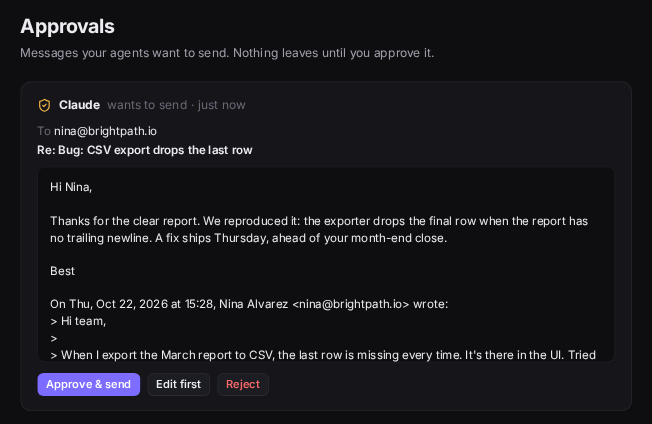
Sourcing, quotes, outreach: the work that lives in your inbox. Chord does the legwork and keeps you in charge. The AI never sends by itself; every email waits for you.
Describe it
“Get quotes for 200 sheets of 4×8 aluminium from suppliers near me.” Chord asks what suppliers will need to know.
It finds who to ask
Contacts come from real web pages. Addresses are never guessed.
You approve each email
A tailored draft for each contact. Nothing leaves until you press send.
It reads the replies
Including attached quote PDFs, with a running summary of where things stand.
You compare
Every answer lines up in one table, and anyone who goes quiet gets a follow-up drafted.
Fast, private, and yours to drive.
Everything happens on your computer first, so every action is instant. Your mail goes between you and your provider, and nowhere else.
Keyboard first
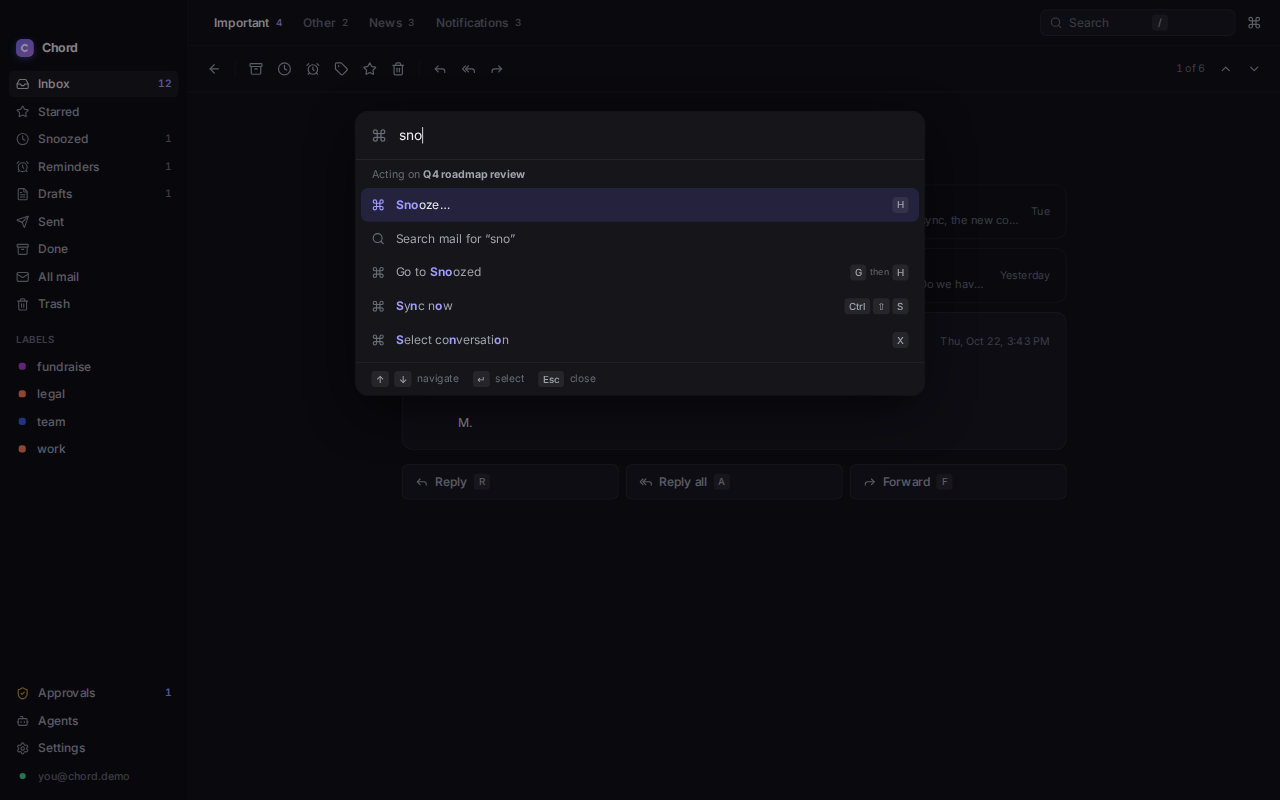
Every action has a shortcut, and all of them can be rebound. Snooze and send later take plain times like “fri 4pm”.
jNext
kPrevious
eDone
rReply
hSnooze
sStar
zUndo, even a send
/Search
cCompose
?Every shortcut
Try one. Every action has a key, and ⌘K finds the rest.
Local first
Every action updates a local SQLite store and the screen at once, then syncs in the background over IMAP and SMTP. There are no Chord servers in between.
Passwords and keys in your OS keychain
Remote images and tracking pixels blocked by default
Tauri and Rust on the system webview: a 13.7 MB release binary
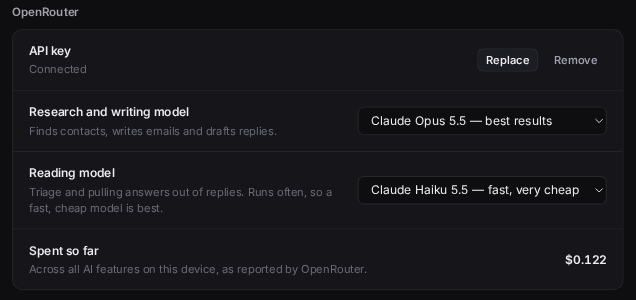
AI, on your own key
Nothing is sent to any AI service, and the agent API refuses every request. Chord is a complete mail client without it.
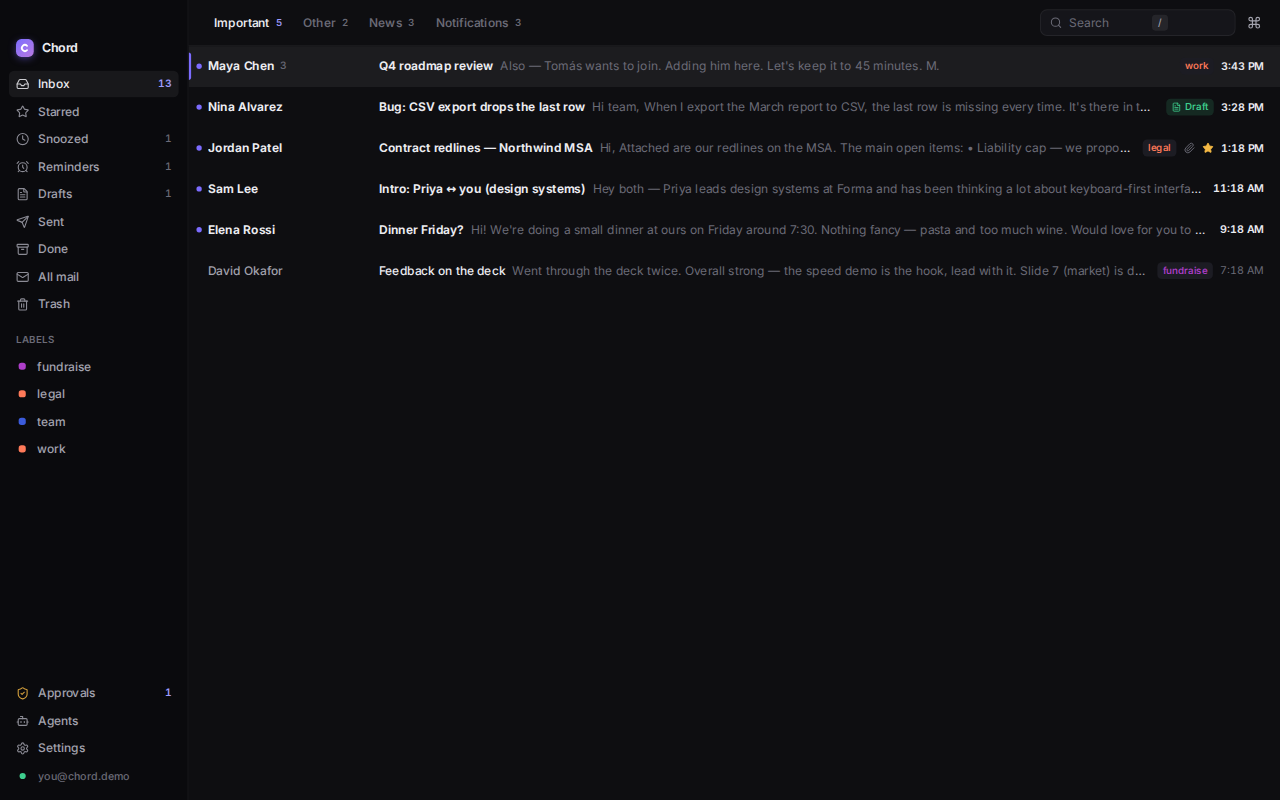
Split inbox, screener and subscriptions
Snooze, reminders, send later and undo send
Snippets, signatures and search that reaches the server
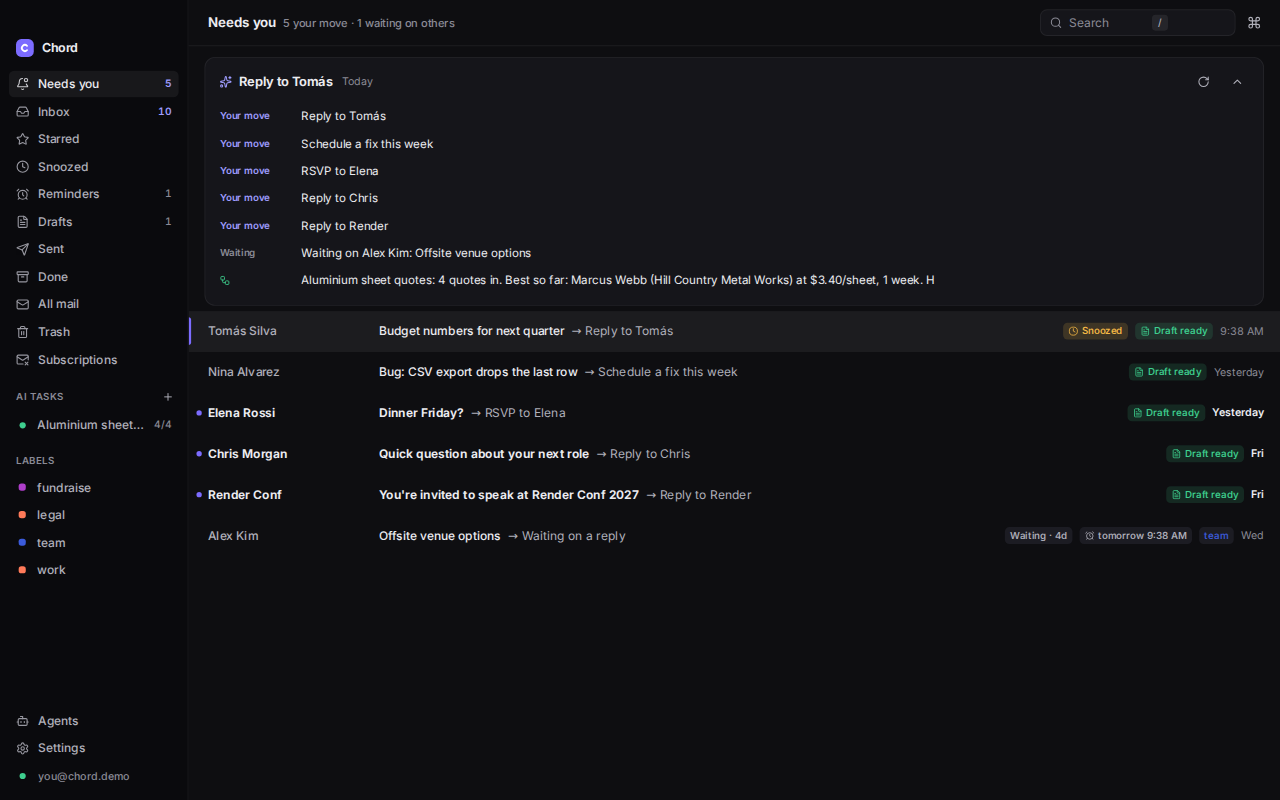
Needs you, decided by simple rules on your device
Once you turn it on: your key, your models, your spend.
Off until you turn it on. Switch it any time in Settings → AI.
An API and MCP server for your agents
Let Claude, Cursor, n8n or your own scripts read, search, organise and draft, and send with your approval. The API listens on your computer only, each agent gets its own token, scopes and send policy, and every call lands in an audit log.
$ claude mcp add chord --env CHORD_TOKEN=chd_…
  -- chord-mcp
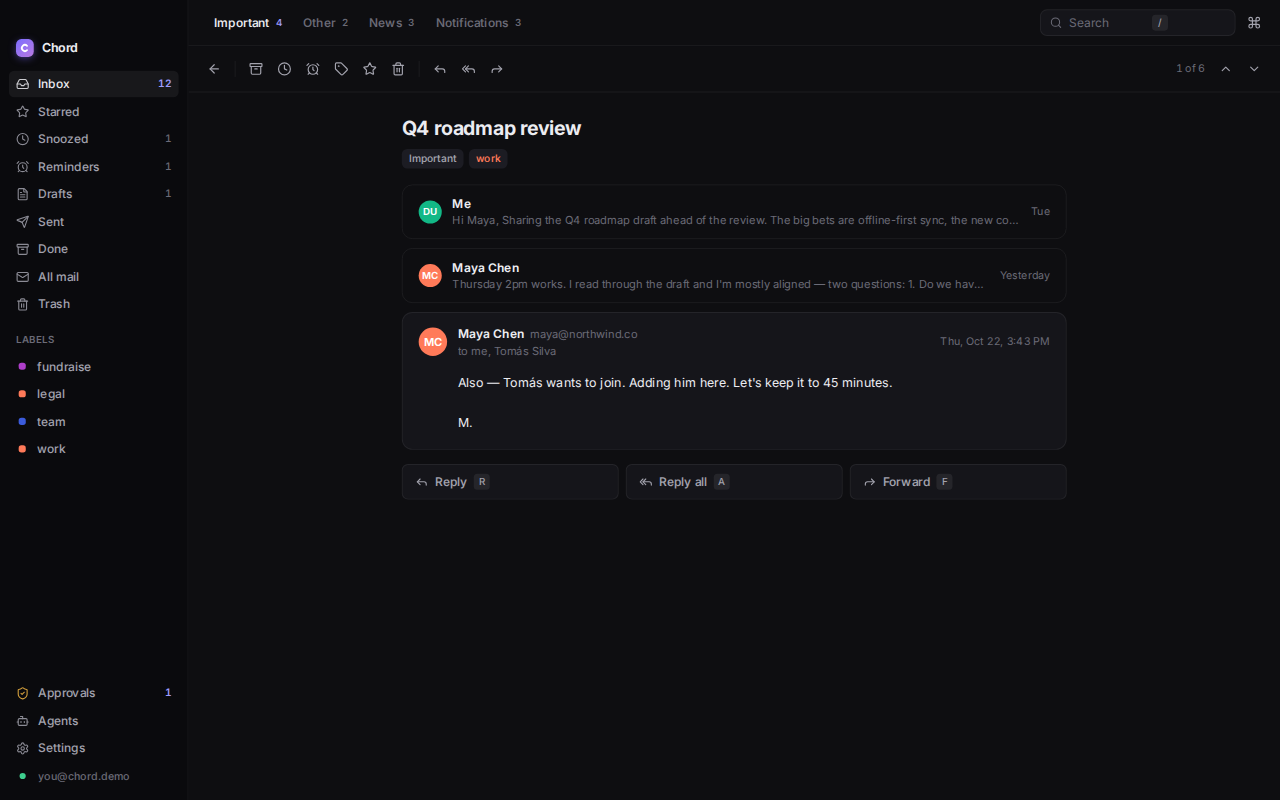
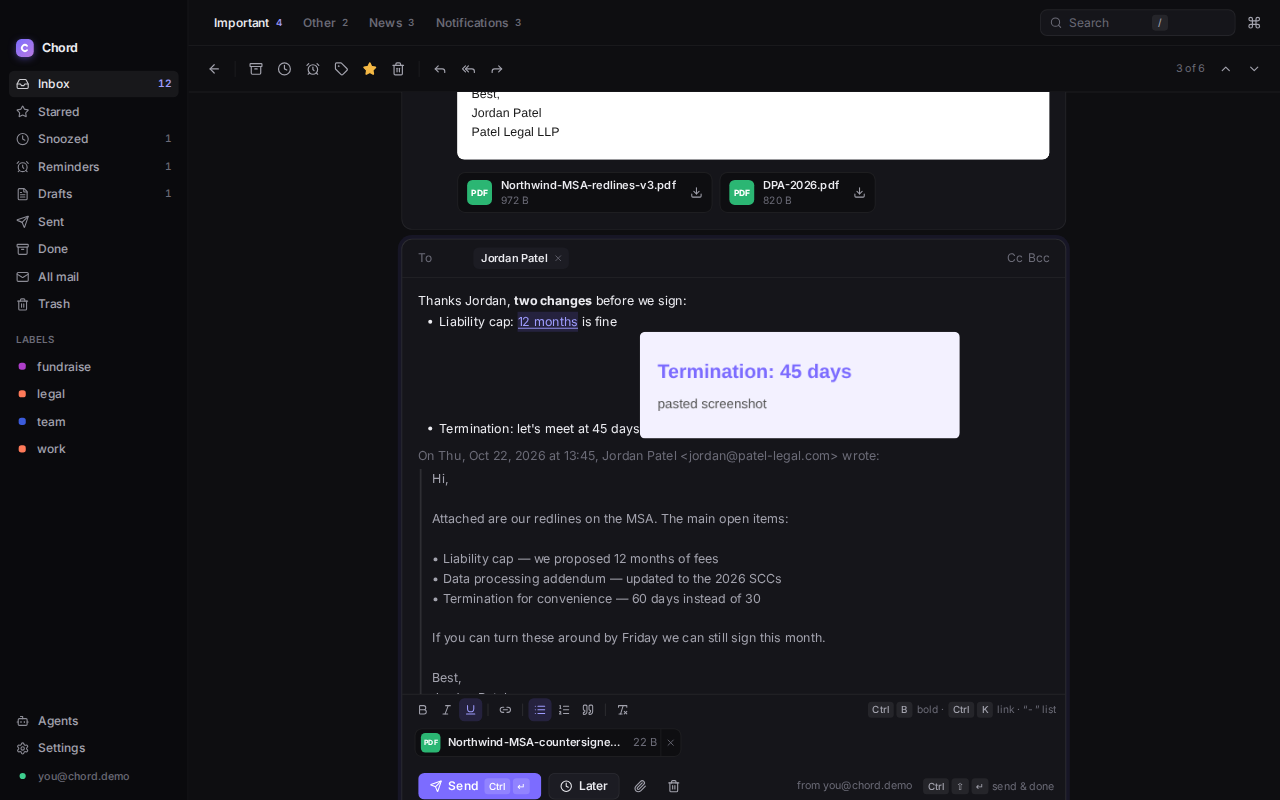
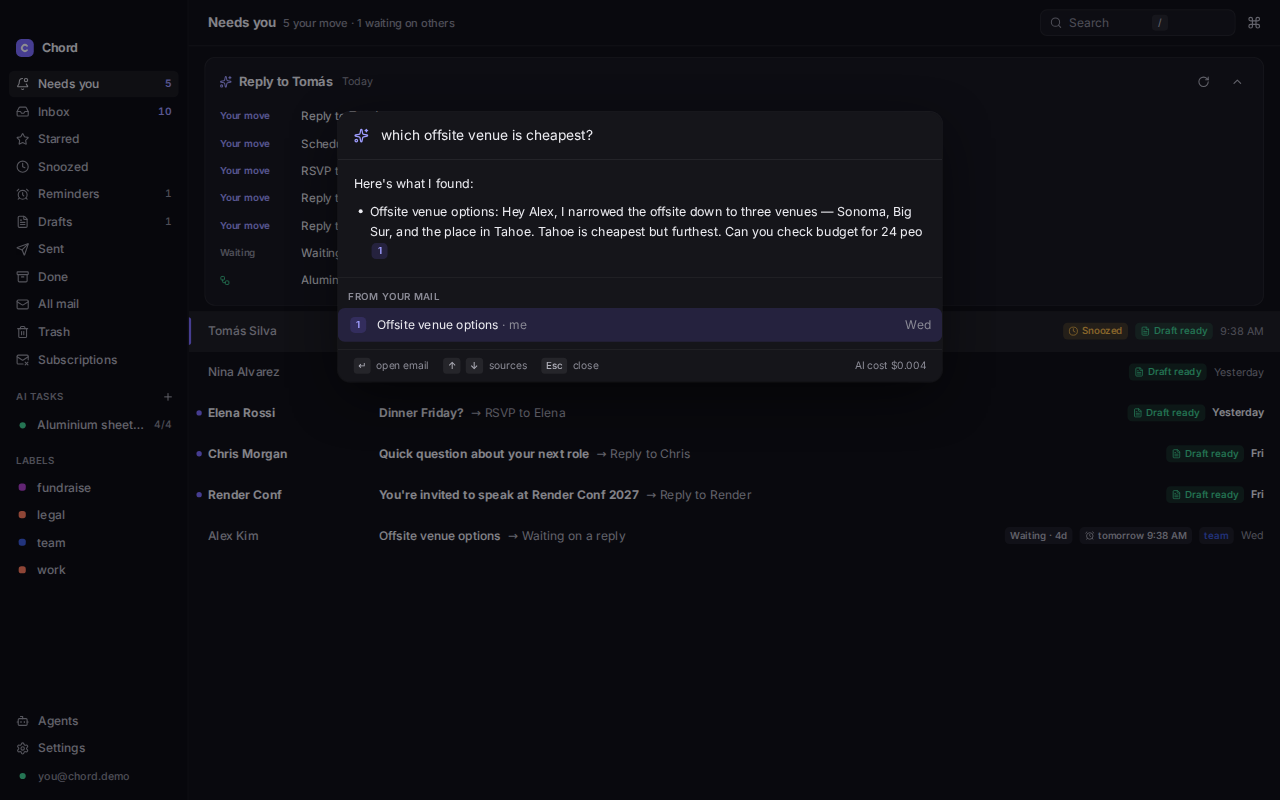
A closer look.
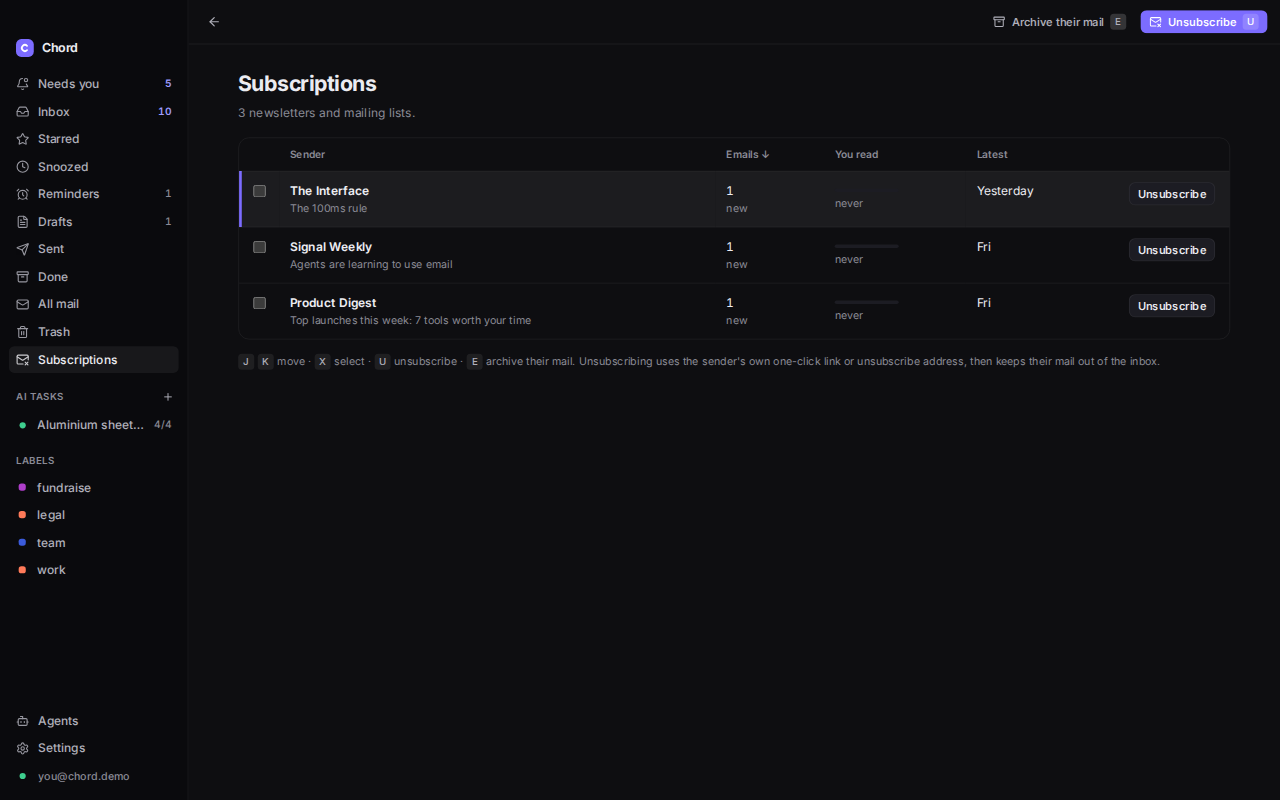
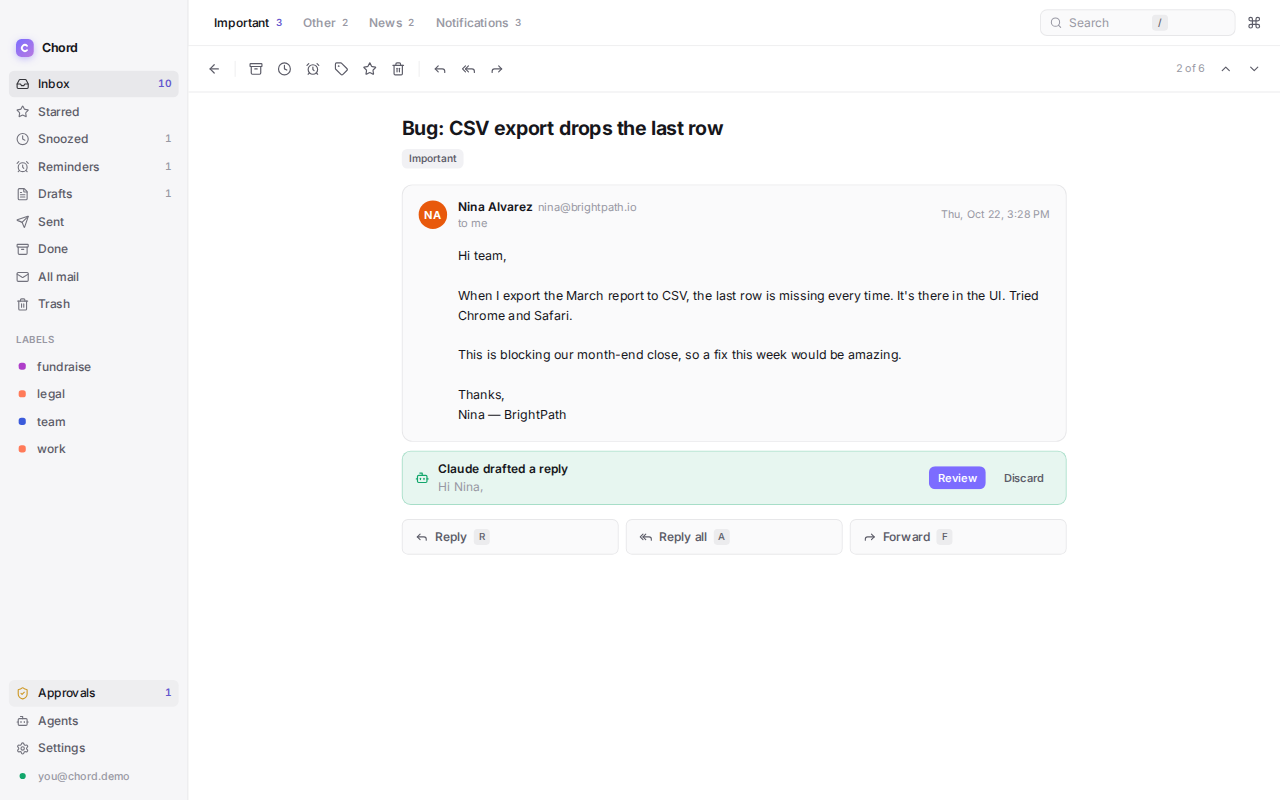
Dark by default, with a full light theme. Use the arrow keys to move between screens.